Photoshop Alts - Canva vs. Glorify: A Biased Post Glorifying Glorify
If an app were a person, I would consider Photoshop to be my inamorata, spending more time on it than my real romantic relationships (even before I had one).
I’ve been a Photoshop user since PS2 (circa 2005) and PS is a needy companion keeping me from committing to a Linux distro for good in exchange for beautiful designs I just couldn’t achieve anywhere else.
As a marketer in a brand new world where Flat and Material are in and skeuomorphism is out, sometimes all we need are simple brochures, flyers and marketing media that can be achieved with a cloud-based solution.
Advanced designers wouldn’t mind using Photoshop for its unlimited possibilities. The real reason why most businesses prefer Canva is that it’s much easier for them to outsource work to virtual assistants without having to hire a designer. Being a designer myself, this is bad news for me (LOL) but as someone who can’t handle everything and also outsources a lot of the menial, I totally agree with not having to hire a designer all the time.
Ever since Adobe products turned subscription-based, I’ve been on the lookout for alternative and much cheaper solutions. In the early days of Canva, it was buggy as hell and the design options were limited. I wasn’t a fan. Today, perhaps threatened by the emergence of similar apps like Crello and Easil, Canva has taken design seriously.
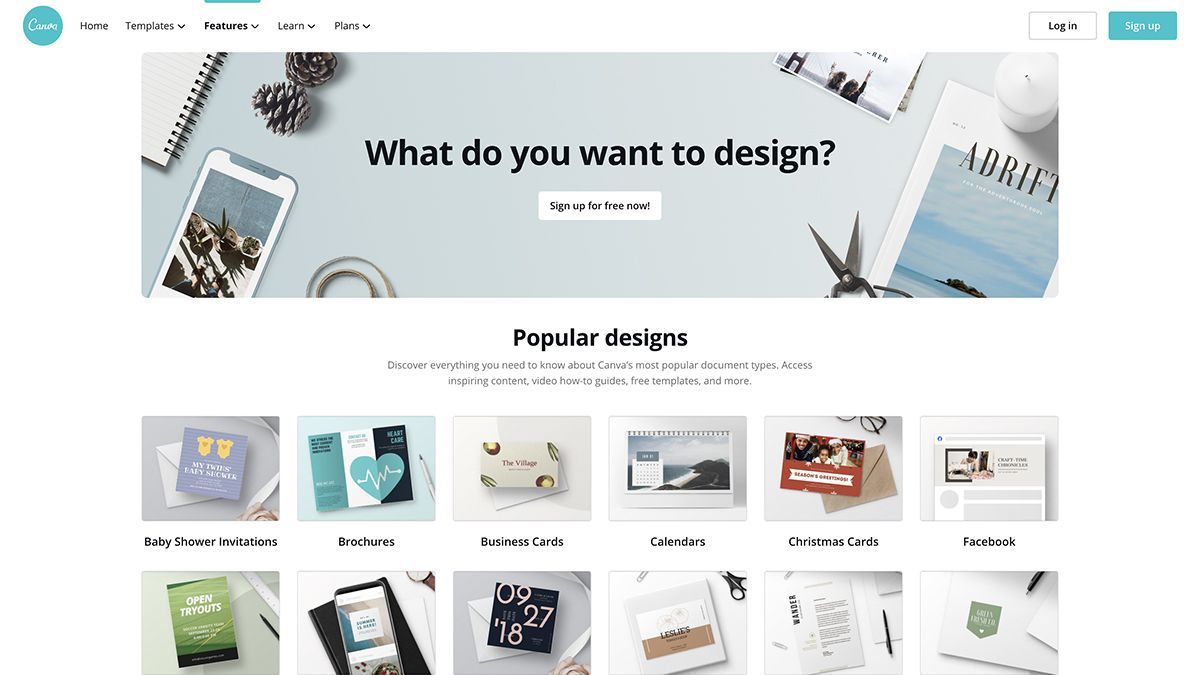
Total Photoshop Replacement
I read an article months ago about its founder aiming to take Canva towards becoming a total Photoshop replacement on the cloud. Melanie Perkins, now Australia’s third richest woman, was determined. I was doubtful, but we’ll never know. I used to think Kpop wouldn’t get anywhere outside Asia, and now they’re spreading like wildfire, so I put my doubts aside.
I first used Canva 6 years ago and they still haven’t done much these days with adding flexible gradients and drop shadows. You are pretty much stuck with a template when trying to integrate gradients into a vector and they don’t support shadows, so it’s a turn off for me.
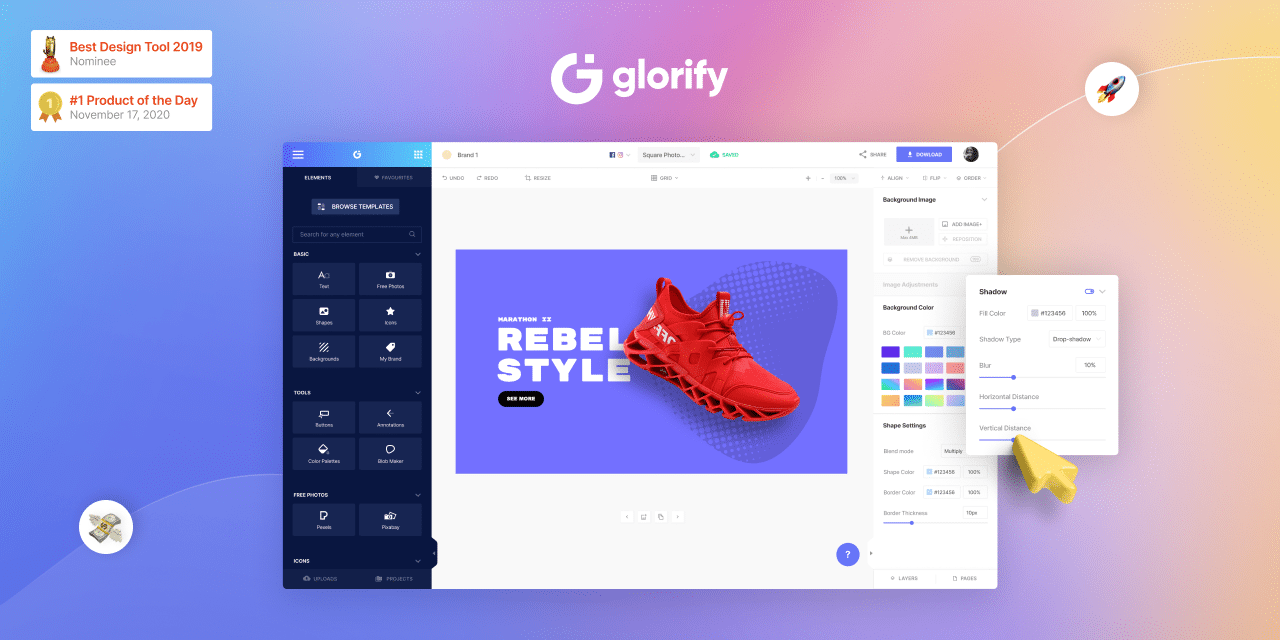
Welcome Glorify
It’s a new toy, still quite buggy but has a lot of potential. Currently they are marketing themselves as an app focusing on ecommerce, but I wouldn’t say they are no match for Canva. Glorify is definitely a strong competitor. If they decide to ditch their credit-based background removal API to develop their own and add animation options to their roadmap, they’ll intuitively be the second best option, if not better.
Just because FLAT is in doesn’t mean that skeuomorphism is totally out. An object with a drop shadow over a flat layout makes it pop out of the canvas and grabs attention. This is something that works well with ecommerce, and one technique I use frequently with ads. The simple addition of shadows and gradients is how Glorify grabbed my attention from Canva and I recommend it to those who outsource design work to non-designers but care about more design flexibility.